How it works
Spåna has two halves: a small agent you run at home, and the Spåna service that turns events into alerts. Here's the full picture.
Your home network
Spåna service
You
Hub credentials stay on your network. The agent dials out – there are no inbound ports to open on your router.
Set it up in three steps
Most people are getting their first alert within a few minutes.
Spåna watches sensors that are already paired to your DIRIGERA hub, so set those up in the IKEA Home smart app before you begin.
- 1
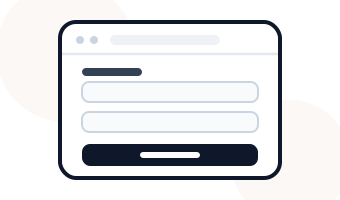
Create your account
Sign up for the free beta and copy your private API key from the dashboard.
- 2
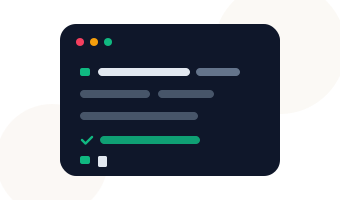
Run the agent
Start the Docker image on any always-on device – a home server or Raspberry Pi – with your API key.
- 3
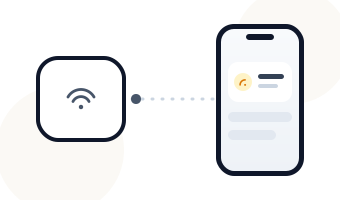
Pair your hub & get notified
The agent links to your DIRIGERA hub on the LAN and streams its events out over one secure connection. Organise sensors into rooms, set alerts, and notifications land on your phone the moment they fire.
Where you can run the agent
The agent only needs to stay on and reach your hub on the LAN. Pick whatever you already have.
- A home server or mini PC
- A Raspberry Pi (3, 4 or 5)
- Any host that can run Docker
…and a DIRIGERA hub with your sensors already set up
Spåna watches the sensors that are already paired to your IKEA DIRIGERA hub. Add and name them in the IKEA Home smart app first – Spåna doesn't replace that app, it watches what's already there.
That's the whole setup
Sign up, run the agent, pair your hub – then let Spåna keep watch.
Alerts land on your phone – get the app
- Coming soon to App Store
- Coming soon to Google Play